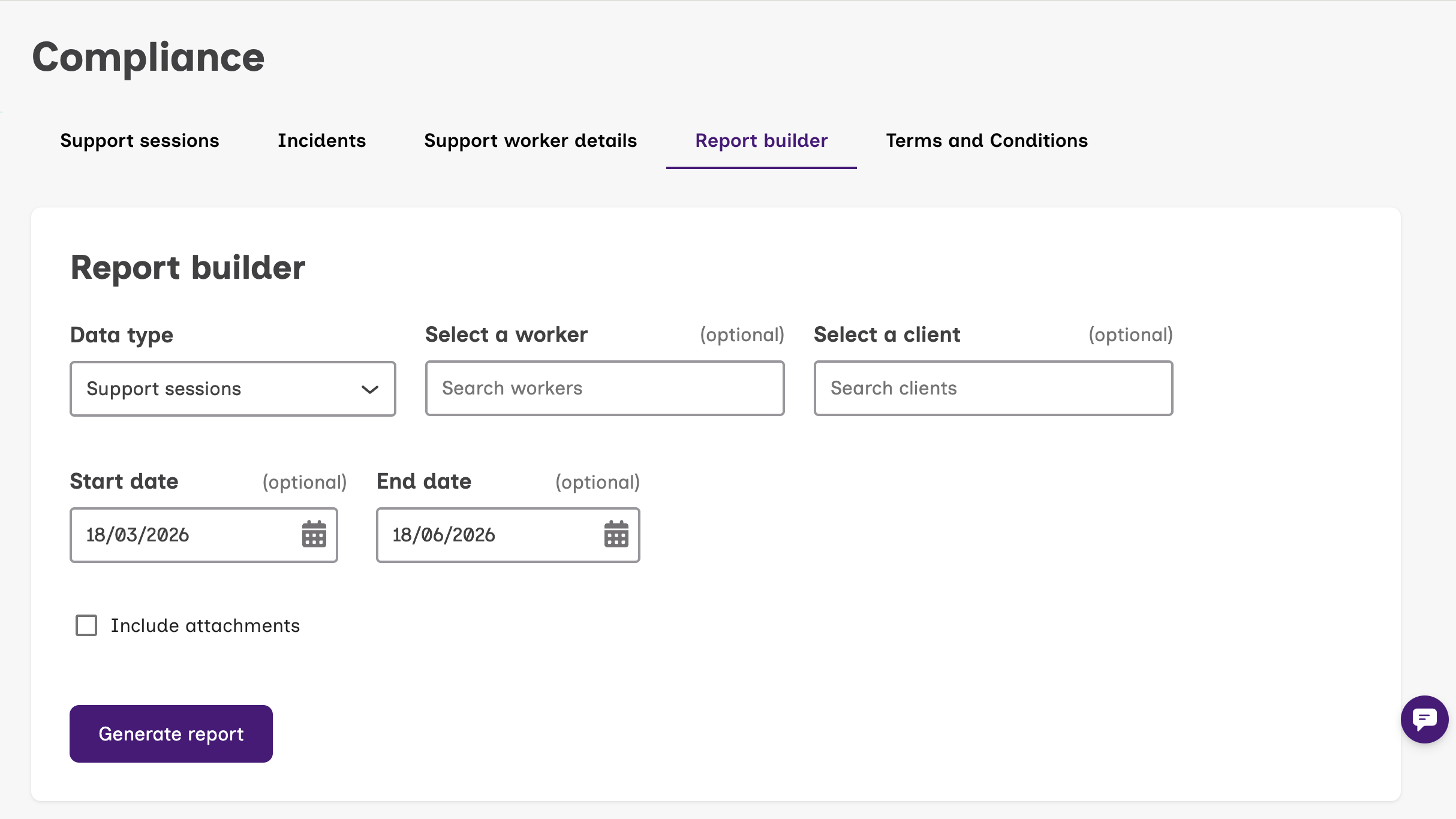
The Report Builder feature on your dashboard is a handy tool that helps both coordinators and organisations access key information on their clients and their support sessions on Mable.
With the Report Builder, you can download information on:
- When your client’s support session started and ended
- Your client’s support worker
- Support notes and attachments
- Health and Wellbeing notes for aged care customers
- Incident reports, if any
Why use the Report Builder?
This can be used as documentation to input into your own client’s record management system, prepare for audits, or have it serve as evidence for participant plan meetings and reassessments.
How to use the Report Builder
- Log into your dashboard
- Select Compliance
- Select Report builder
- Complete the fields such as:
- The start date and end date of the data you’d like
- The name of a specific support worker
- The name of a specific client
- Whether you would like attachments included in your report
- Select Generate report
- The report will be downloaded as an Excel file onto your computer