
Download the Mable mobile app for clients

Find and book verified independent support workers with the dedicated Mable client app. 

Support worker sitting in armchair while looking at their phone.

What you need, right where you'd expect it

Access everything you need to book, message and pay support workers with the Mable app.
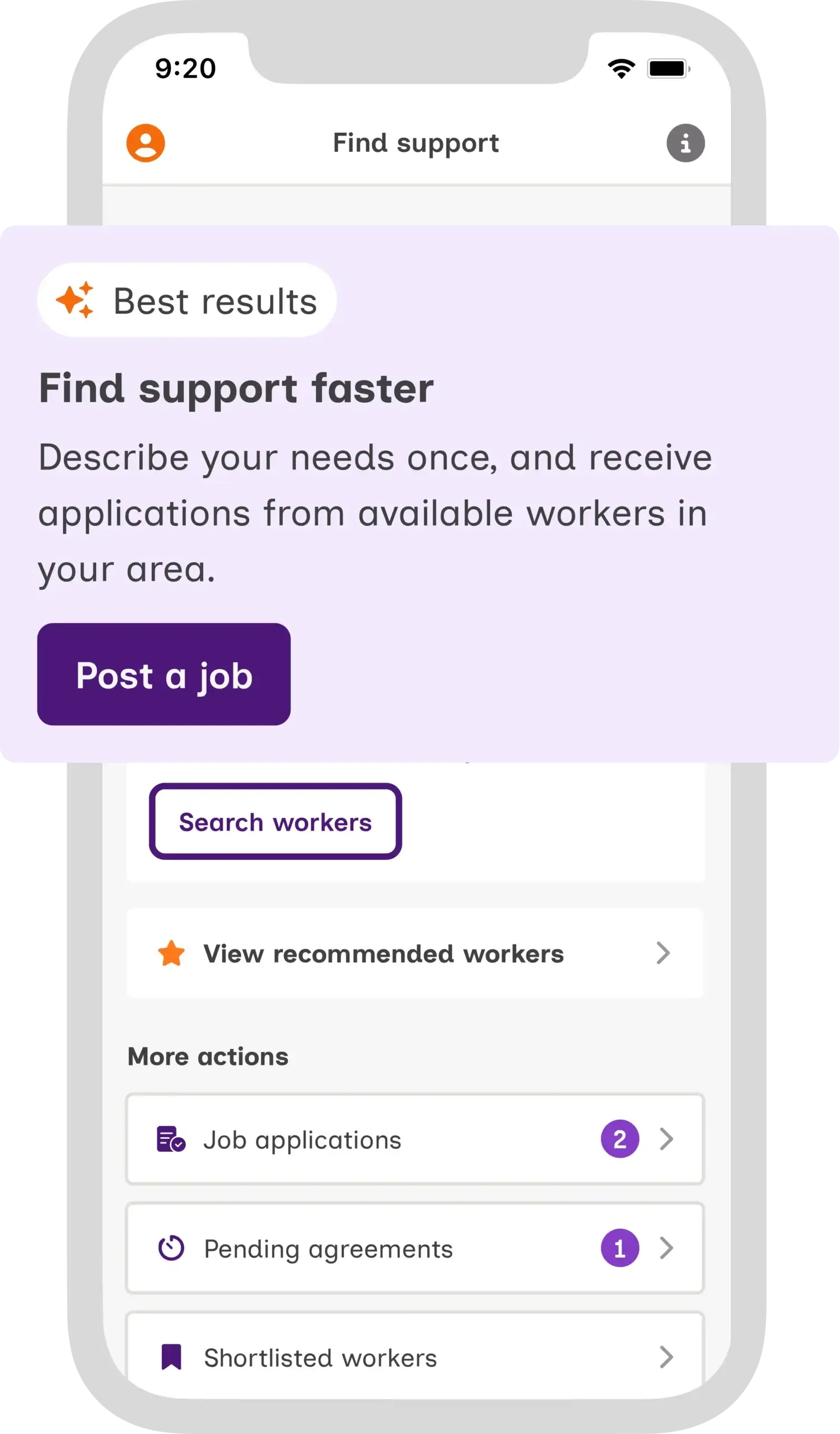
A preview of the Mable Client App shows the "Find support" screen. A text box in front of it has the text "Find support faster. Describe your needs once, and receive applications from available workers in your area."

Find support faster

Post a job, search workers, review applications, and check agreements.
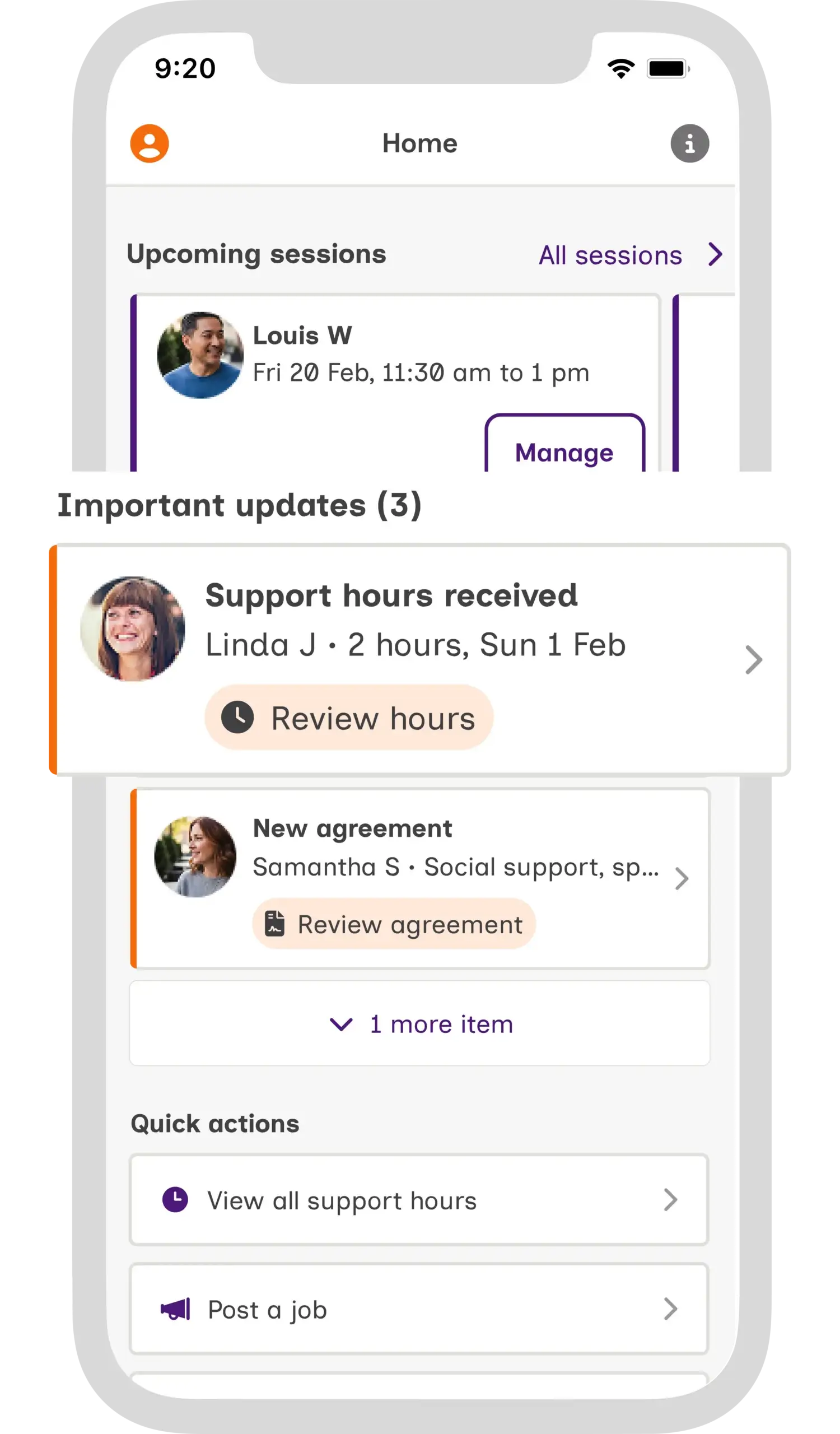
The screenshot of the Mable Client App shows a close up of an important update to review hours for a support session.

Get important updates in one place

Access your support hours, agreements and session information in one place.
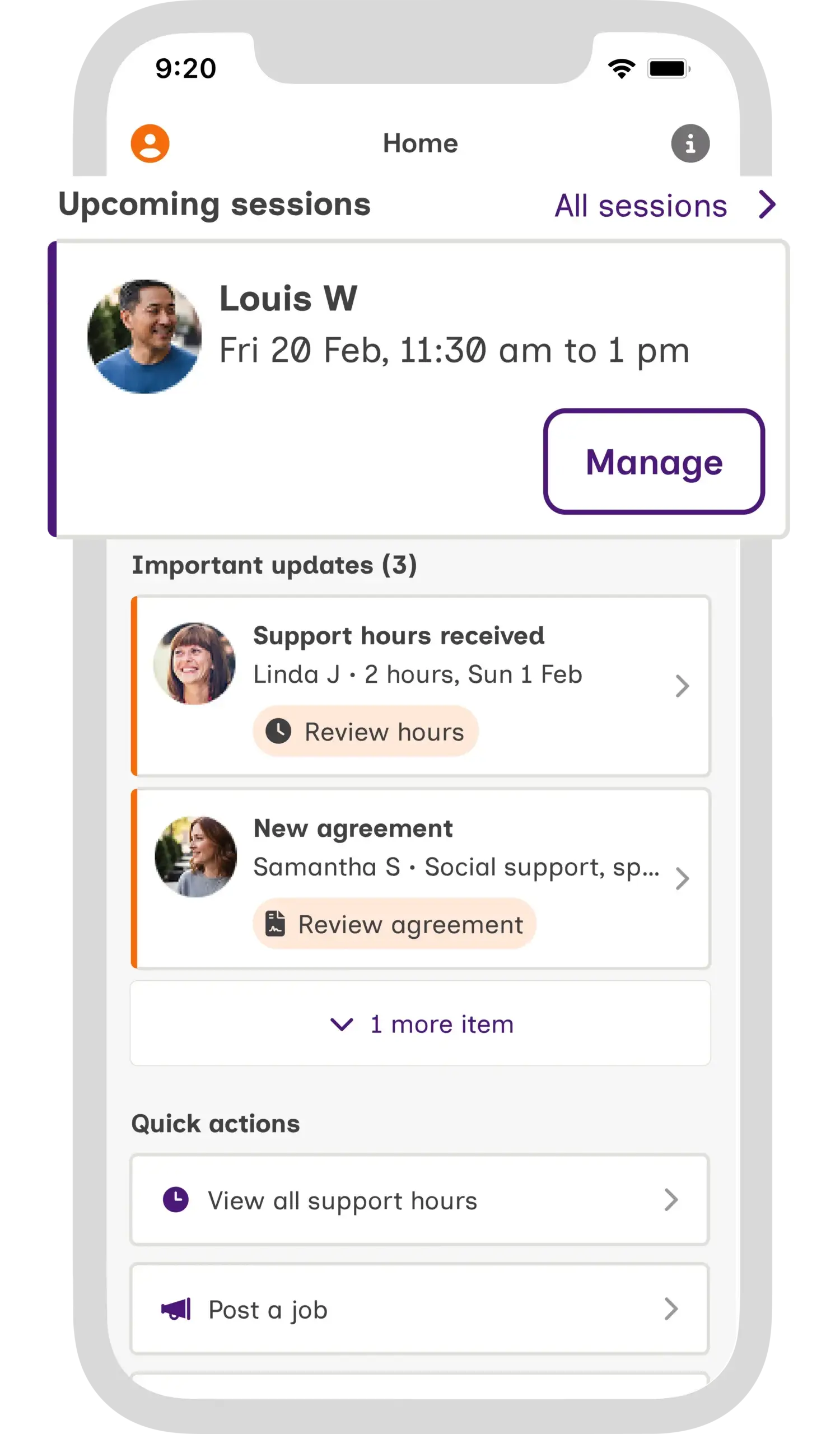
A screenshot of the Mable Client App shows the booking details of a support session.

Take control of your support

Cancel, reschedule, or find a replacement workers with quick actions.
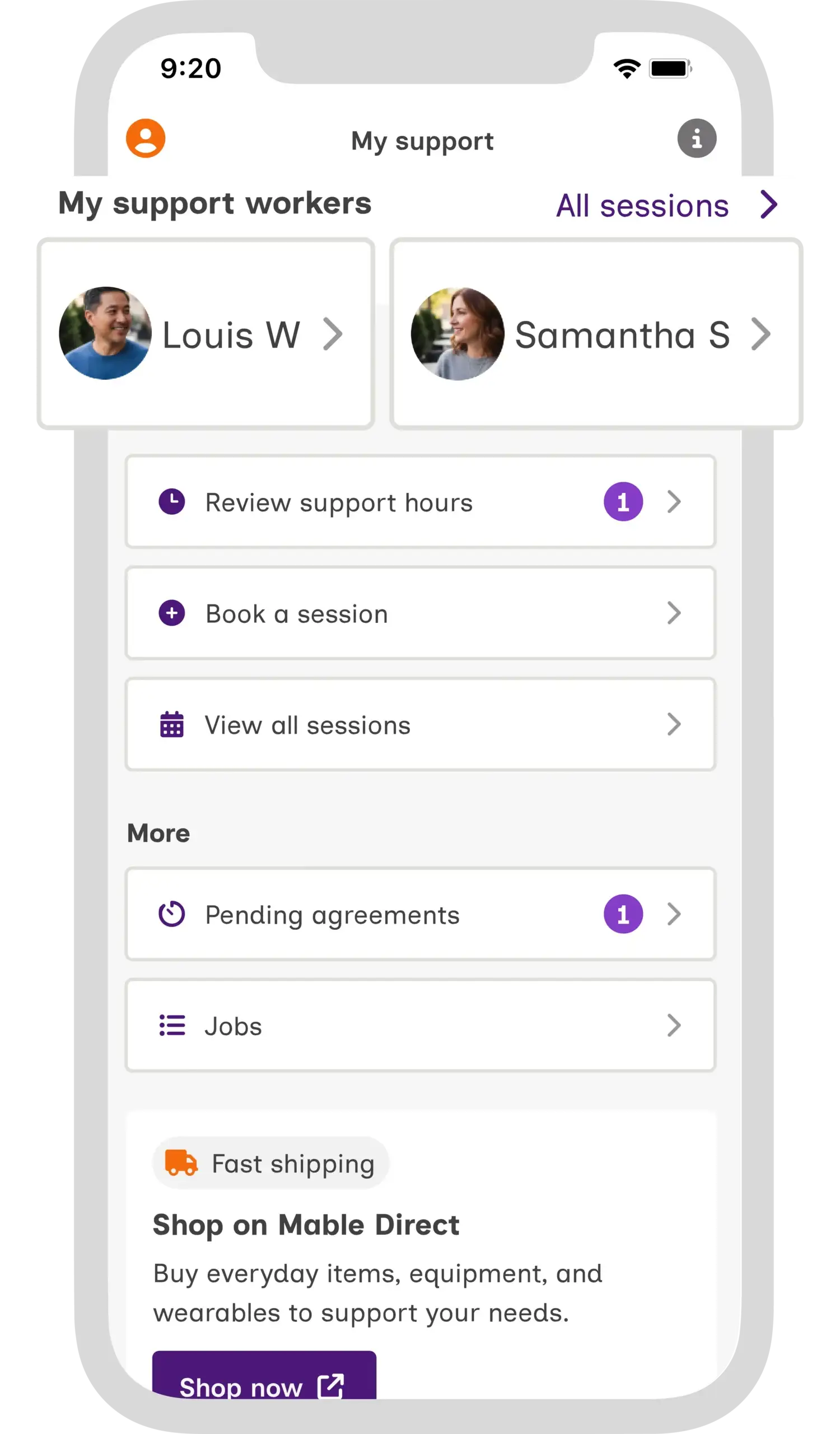
The screenshot of the Mable Client App shows the "My support" screen, where you can see your support team, review support hours, see all pending agreements, and book sessions.

Access your team

Review your support at a glance.

Key features

Handle last minute changes fast

Cancel, reschedule, or find a replacement worker with quick actions on your homepage.

Streamline your admin

With important updates, quick actions, and an overview of upcoming sessions, all on your homepage.

Use the dedicated Find support page

Post a job, search for support workers, review applications and check pending agreements.